
Notion Fundamentals for VAs
Build your VA Business HQ with clarity - without overcomplicating it.
This course is perfect if you want to use Notion but don’t know where to start - or you’ve tried before and it never quite “stuck.”
A practical, beginner-friendly training that teaches you Notion properly from the ground up - so you can confidently manage your business and client work from one calm, central system.
Next live cohort: 28th April – 12th May
Live Q&A: 20th May, 12:30pm (UK time)
Price: £249 or 3 months of £95
Includes: Lifetime access · VA Ops Hub template
· 2 weeks chat support · Live Q&A
All sessions are pre-recorded and released 1 week before the cohort begins, so you can work through them at your own pace.
The live cohort window is for momentum, implementation, community discussion, and direct support.
Spaces are capped at 30 to keep the cohort focused and ensure everyone receives proper attention during the live Q&A and discussions.

“What makes Notion so powerful can also make it overwhelming.
So when the opportunity came up to build something specifically for VAs, all about Notion, well, yet another dream come true!”

What This Course Is
-
A structured, beginner-friendly training that teaches the foundations of Notion properly - then shows you how to turn it into your VA Business HQ.
You won’t just “watch tutorials.”
You will:
Understand Notion’s core building blocks (pages, blocks, structure)
Learn how databases actually work
Connect tasks, projects, clients and meetings in one clean system
Avoid common overbuilding mistakes
Receive a complete plug-and-play VA Ops Hub template
Learn how to confidently adjust and customise that template to fit your workflowYou’re not just given a system.
You’re taught how to use it, adapt it, and make it your own.
You’ll finish the course with a structure you understand - and a Business HQ you can confidently use every day.
A message from Lara, Founder of The Modern VA:
Already using Notion?
Read this.

“You might be wondering whether this course is relevant if you already use Notion. So I wanted to share my journey with you.
I’ve been using Notion for over two years. Self-taught, jumbled, and honestly pretty messy. I could use it well enough — I’d built hubs for clients, I found my way around — but I never felt truly confident in it. There were always gaps.
My working relationship with Alexandra actually started from me needing help with exactly those gaps. And what we both realised is that they came from the same place: a lack of foundations. Which is exactly why we built this course.
Since working with Alexandra, I’ve gone back and restructured client hubs I built years ago — because I wasn’t approaching them strategically. I was just building. There’s a difference.
So if you can “use" Notion but you’d struggle to explain why you’ve built things the way you have, ask yourself honestly: do you feel confident in your foundations? Do you think strategically about how you build?
If the answer isn’t a clear yes — you’ll walk away from this course with something valuable. I’m certain of it.
One of the core principles we teach at The Modern VA is to always build solid foundations when it comes to tech. Then you can layer. And that’s exactly what this course does."
Who This Course Is For
This is for you if you’re a VA or OBM who wants to:
Manage multiple clients without mental clutter
Stop juggling tasks across Google Docs, Trello, notes apps, and email
Feel confident using Notion instead of being intimidated by it
Build a professional, structured system for your own business
Potentially introduce Notion into client work later
…but right now you feel:
Unsure where to start
Confused about databases
Overwhelmed by templates that feel too complicated
Nervous about “breaking” something
If you want clarity and structure- not complexity - you’re in the right place.
Who This Course Is Not For
This course is intentionally focused on foundations and practical implementation.
It’s not for you if:
You want advanced formulas, automations, or Make/Zapier integrations
You’re already selling complex Notion builds as a paid service
You want aesthetic dashboards over functional systems
You’re looking for a fully done-for-you custom setup
You want deep technical training or coding-level detail
This course prioritises understanding, usability, and everyday functionality.
Explore our Advanced Notion course if you're looking for next-level builds.
What You’ll Learn
-
Part 1: Learning Notion Properly
You’ll build confidence from the ground up:
-Pages, blocks, layout & clean workspace structure
-Databases vs tables
-Views, filters, grouping & simple organisation
-Templates and recurring tasks
-How to link tasks, projects, clients & meetings
This is where confusion turns into clarity.
-
Part 2: Building Your VA Business HQ
You’ll implement everything inside your VA Ops Hub template:
- Projects & Tasks database
- CRM & Meetings database
- Client portal template (with safe sharing guidance)
- Content planner for your own marketing
- Internal Ops hub (services, rates, tech stack, SOPs)
You’ll learn how to:
- Share safely on the free plan
- Understand limitations and boundaries
- Use comments & collaboration properly
- Keep your system simple enough to actually use daily
This is where learning turns into real structure.
Meet Your Course Leader - Alexandra
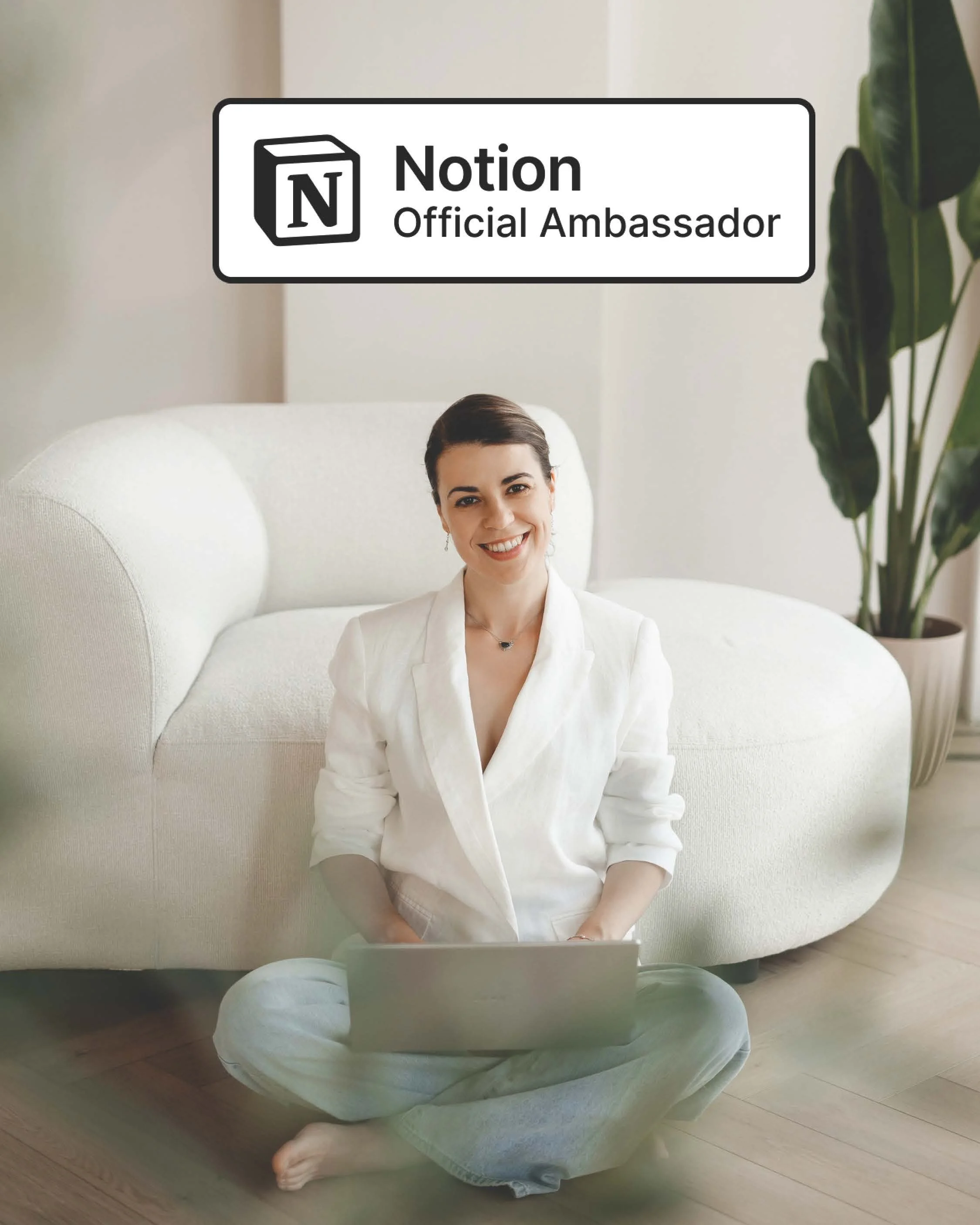
This course is led by Alexandra, The Modern VA’s Notion Ambassador.
This course is led by Alexandra Ciuca, Notion Workspace Designer and Operations Consultant.
Alexandra specialises in building clean, functional systems for founders, freelancers, and operators who want clarity - not complexity.
Her approach is simple:
Structure before aesthetics
Systems before overwhelm
Understanding before automation
She teaches Notion in a way that makes it usable, adaptable, and sustainable - so you’re not dependent on templates you don’t understand.

What You’ll Leave With
By the end of this course, you’ll have:
A complete VA Ops Hub template you can comfortably run your business from
A clear understanding of Notion’s foundations
Confidence using databases without fear
A connected system for tasks, projects, clients & meetings
A structure you can expand later - without rebuilding everything
Most importantly
You’ll stop feeling scattered.
You’ll know exactly where everything lives.
Format and How it Works
Pre-recorded sessions released 2 weeks before the cohort begins
Designed to take 15–30 minutes per lesson
Every session includes clear, actionable implementation tasks
Live cohort window (28th April – 12th May) includes:
Active chat support inside the community
1 live Q&A session (Wednesday 20th May, 12:30pm UK Time)
Community momentum & accountability
Lifetime access to recordings and template
Ready to finally use Notion confidently — and build your VA Business HQ properly?
Your Questions,
Answered
-
No.
This course is designed for VAs who want clarity - not complexity.
We start from the basics (pages, blocks, databases) and build up gradually.
You don’t need prior system-building experience.
If you can use Google Docs and a task list, you can learn this. -
Not at all.
We assume some people have never opened Notion.
You’ll learn:How the interface works
What pages and blocks are
How databases actually function
How everything connects
You’ll build confidence step by step.
-
All lessons are pre-recorded and released two weeks before the cohort begins.
The live cohort period is for:Momentum
Community discussion
Accountability
Support in the chat
There is also a live Q&A session at the end of the cohort.
-
The course is designed to be completed over 2 weeks.
You’ll work through:1 video per day (15–30 minutes)
Plus a recommended 30 minutes of implementation time
This isn’t passive learning. You’ll be adjusting your own VA Ops Hub as you go - so the experimentation time matters. We know you’re running a business while leveling up your systems. That’s exactly why the lessons are structured in manageable layers.
You’ll also receive access to the course 2 week before the live cohort begins, giving you extra flexibility if you’d like to start early or spread the content out.
The cohort period is there for momentum, support, and accountability - not pressure. -
You receive lifetime access to the course materials and template.
-
Yes.
You’ll receive the VA Ops Hub template - designed specifically for virtual assistants.
During the course, you’ll learn:How it works
How to customise it
How to adapt it to your workflow
What to remove and what to keep
This is not just a template download.
It’s guided implementation. -
Yes.
The template includes structures for:Clients
Tasks & projects
Meetings
Content planning
Internal operations
You’ll learn how to organise your own business and client work clearly — without overbuilding.
-
No.
This is foundation-level course.
You will learn:How databases connect
How to design clean systems
How to think structurally
Automation and complex builds are covered separately in our Notion Advanced course.
-
You absolutely can.
But free learning usually means:Random tutorials
No structure
No sequence
No accountability
No feedback
No VA-specific content
This course gives you:
A clear path
A complete system
Cohort support
A template built specifically for VAs
Momentum to actually implement
You don’t need more information.
You need integration. -
By the end, you will:
Understand Notion’s core building blocks
Build and adjust databases confidently
Connect tasks, projects, clients and meetings
Avoid overcomplicated setups
Run your VA business from one organised HQ
You’ll leave with a system you can use daily — not just knowledge.
-
No.
This course is about structure — not tech specialisation.
It’s relevant whether you:Manage inboxes
Support founders
Run projects
Handle content
Or work as an EA/OBM
If you manage complexity, you need clarity.
-
You only need:
A free Notion account
A laptop or computer (recommended)
Internet access
You do not need a paid Notion plan.
-
Yes — and we’ll explain how.
We’ll also cover:Sharing limitations
What not to share
When to create pages inside a client’s account instead
You’ll understand the boundaries clearly.
-
That’s okay.
You’ll still have lifetime access to the materials and template.
The cohort period simply gives you momentum and support — not pressure. -
Yes.
Spaces are capped at 30 to keep discussion manageable and ensure meaningful support during the Q&A and chat.
Format & How It Works:
Pre-recorded sessions released 2 weeks before the cohort begins
Designed to take 15–30 minutes per lesson
Every session includes clear, actionable implementation tasks
Live cohort window (28th April – 12th May) includes:Active chat support inside Heartbeat
1 live Q&A session
Community momentum & accountability
Lifetime access to recordings and template